
 Elang ERP POS
 Manage your store, stock, purchasing, and finance in one place, wherever you are.
ERP and POS software for retail stores: a fast checkout, multi-branch stock you can trust, and bookkeeping that records itself. Watch sales in real time, approve important transactions remotely via Telegram, and get daily reports in your inbox automatically. We set up and maintain the system on your own server for a fixed monthly fee, with no per-user fees. Your data stays yours and can be exported anytime. Ready to use in 1–2 days.
From checkout to warehouse, one system is enough
A fast checkout up front and a complete ERP behind it. Sales, purchasing, stock, and finance are recorded automatically, so nothing has to be typed in twice.
Bill your suppliers directly from the system: gondola rent, promo claims, returns, and listing fees (reverse billing). A feature unique in Indonesia.
Approve transactions, receive security alerts, and switch on maintenance mode straight from a Telegram group.
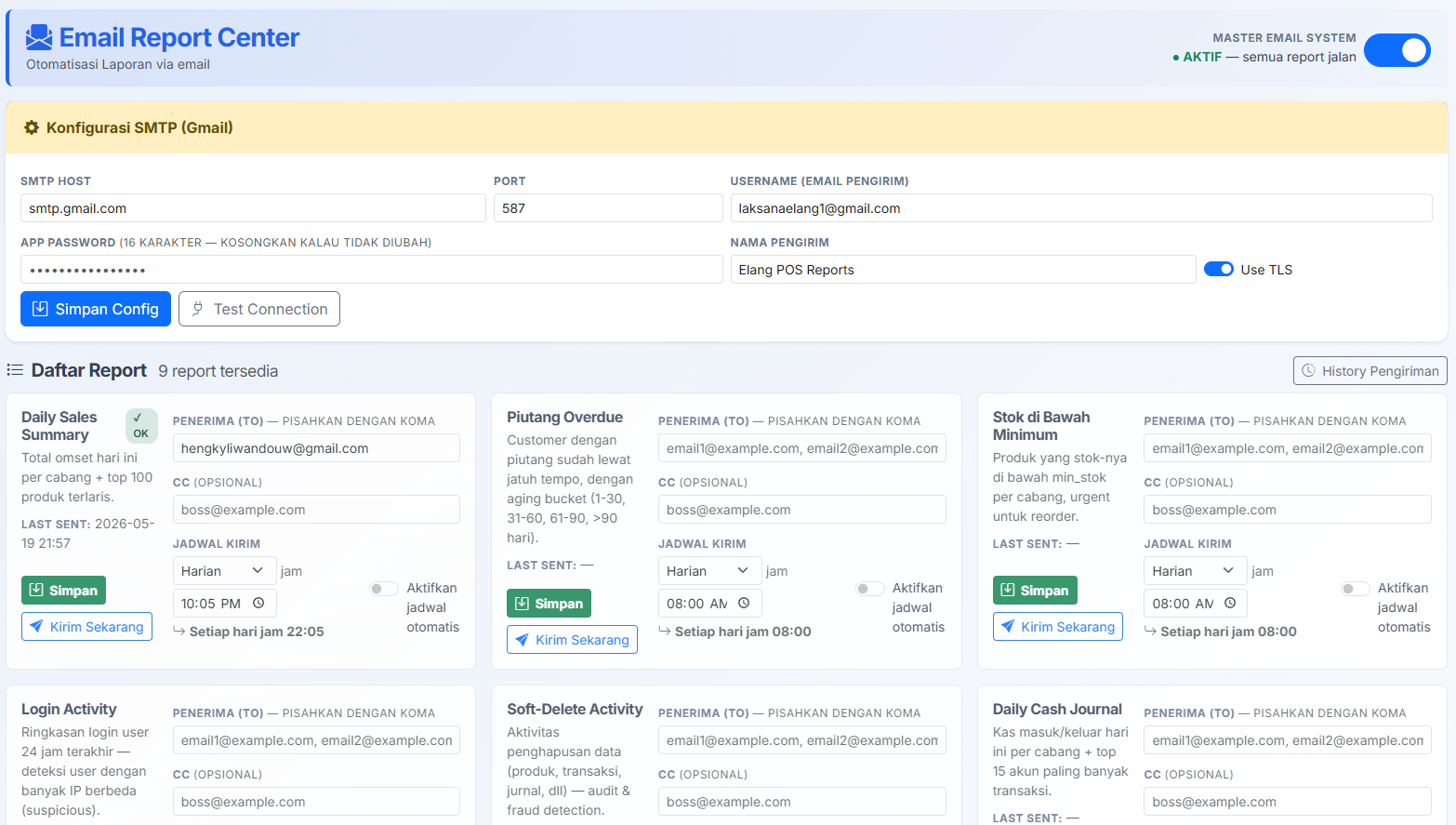
Operational and financial summaries arrive automatically on schedule. Just open your email, no login needed.
The capabilities of a large ERP, still nimble enough for an SMB
POS & Cashier
- ✓Fullscreen checkout screen (kiosk mode) + F1–F12 shortcuts
- ✓Real-time customer display (Server-Sent Events)
- ✓Park transactions (hold/draft) in multiple slots
- ✓Multiple payment methods: cash, transfer, QRIS BRI, store credit
- ✓Promos appear automatically when a barcode is scanned
- ✓Automatic thermal receipt printing + anti-fraud cashier mode
Stock & Warehouse
- ✓Multi-branch and multi-warehouse
- ✓Multiple units with automatic conversion
- ✓Multi-level categories, arranged by drag & drop
- ✓Stock transfers between branches (send → receive)
- ✓Stock opname + Casio/Cipherlab PDT data import
- ✓Moving Average inventory valuation (PSAK 14), with dead stock and stock turnover tracking
Purchasing & Supplier Billing
- ✓Purchase Orders with an approval flow + PDF printing
- ✓Layered purchase discounts (Disc 1/2/3 + global discount)
- ✓Purchase returns automatically reduce stock and payables to suppliers
- ✓Supplier billing: gondola rent, promo claims, returns, listing fees
- ✓Billing receipts combined into a single PDF
Double-Entry Accounting
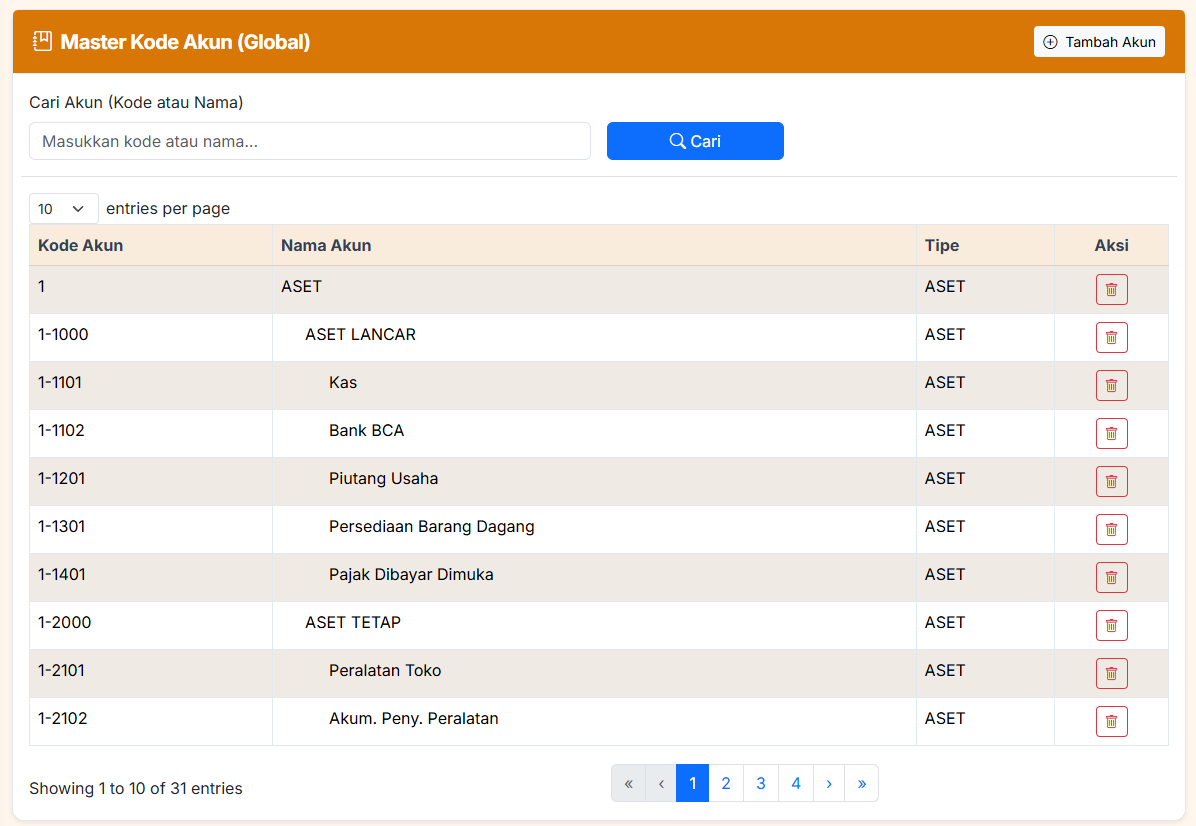
- ✓Complete Chart of Accounts (COA)
- ✓Every transaction is recorded in the general ledger automatically
- ✓Cash and general journals, checked for balance before saving
- ✓Booked transactions are locked (posting control)
- ✓Moving Average COGS, recalculable on demand (replay recalculate)
- ✓Decimal-based calculations, no cent discrepancies
Reports & Analytics
- ✓40+ ready-to-use reports
- ✓17 automatic email reports (scheduled via APScheduler)
- ✓Profit & loss, balance sheet, cash flow, general ledger
- ✓Receivables and payables aging
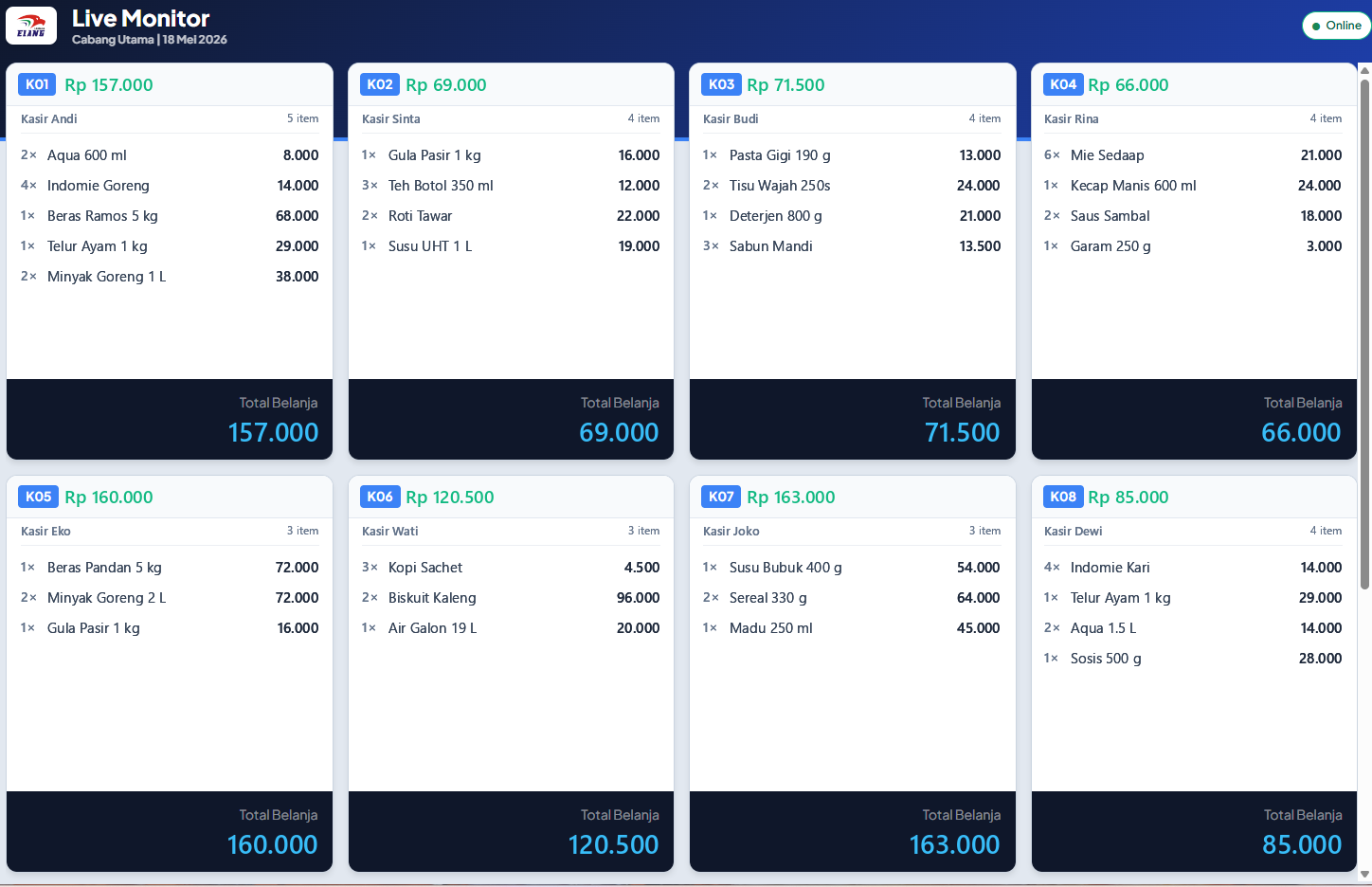
- ✓Real-time cashier live monitor (SSE)
- ✓Compare performance across periods and branches
Security, Telegram & Integrations
- ✓Detailed role-based access (RBAC, 144 permissions) + per-module recycle bin
- ✓Complete change history (audit log) + session versioning
- ✓Admin via Telegram: approvals, alerts, maintenance
- ✓QRIS BRI, PDT, CoreTax export (DJP format)
- ✓Installable as an app (PWA) on Android, iOS, Windows, macOS
- ✓Multi-tenant + SymmetricDS sync that holds up through offline periods
Watch your cashiers and approve transactions without being in the store
Customer Display
Customers see their items and the running total on a second screen, updated in real time (Server-Sent Events).
Remote Live Cashier Monitoring
Monitor up to 10 cashiers in real time from anywhere. Every transaction shows up the moment it happens.
Remote Approval
Voids and discounts are approved or rejected straight from a Telegram group. Managers don’t have to walk over to the register.
Soft Delete & Recycle Bin
Deleted data doesn’t disappear right away. It goes to a per-module Recycle Bin and can be restored, so staff can’t delete transactions to cover up fraud.
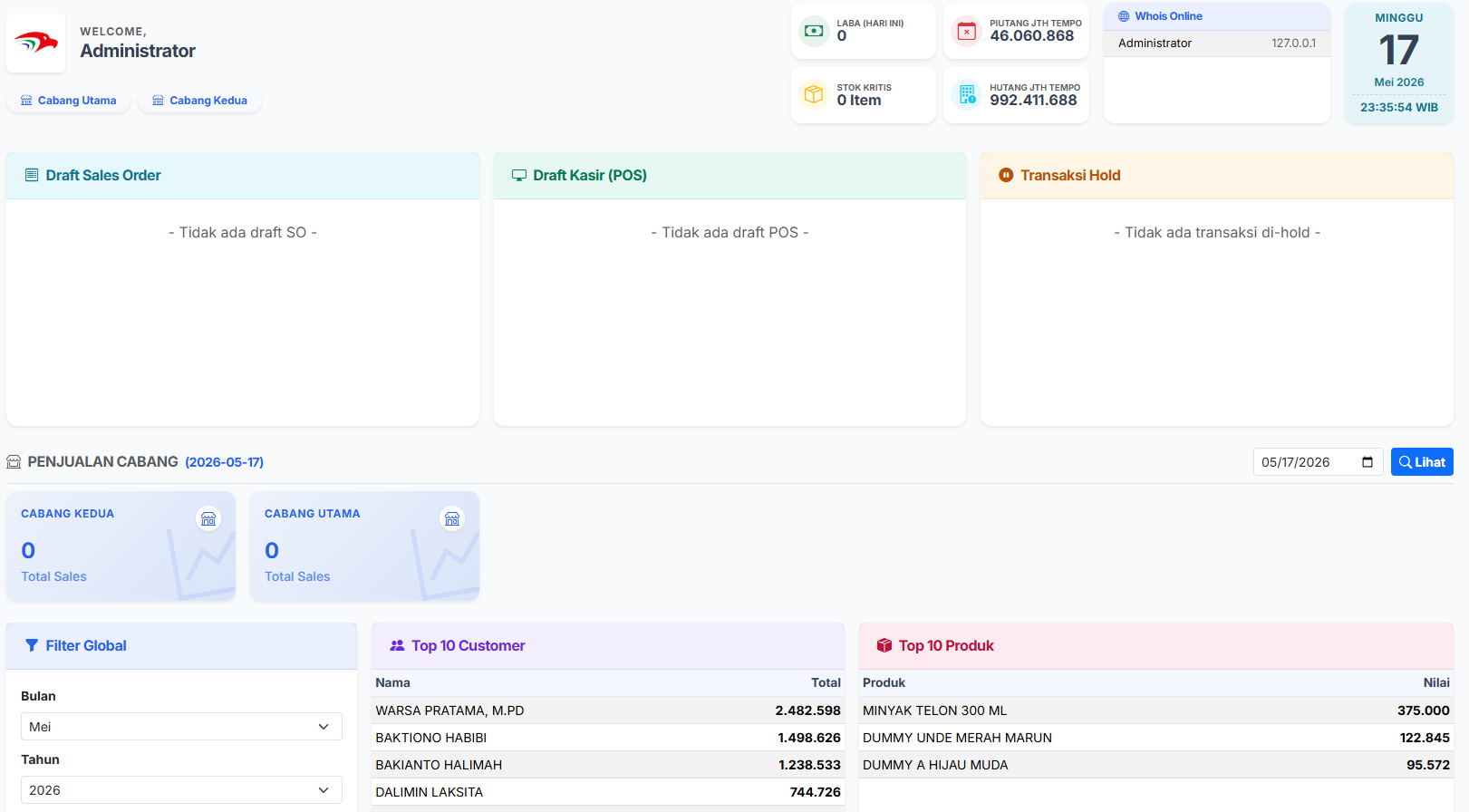
Read the state of your business from one dashboard
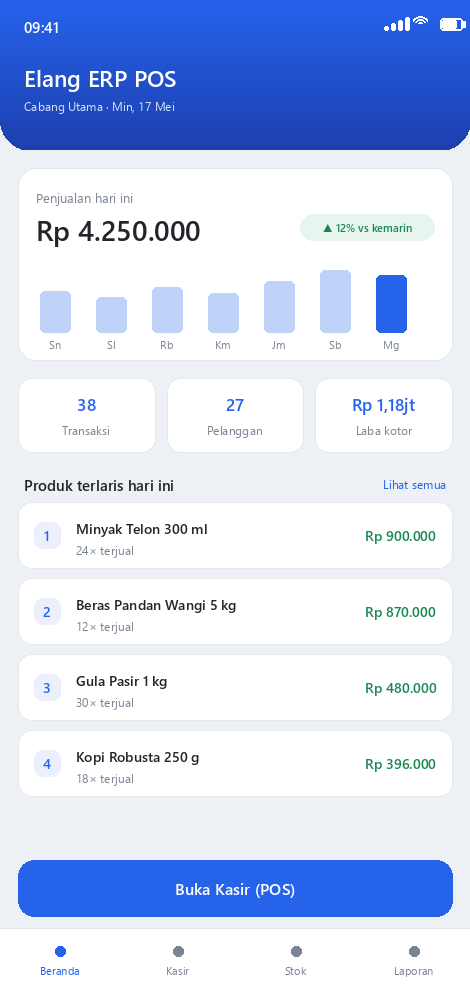
Financial KPIs, draft transactions, sales per branch, and best-selling products, all on one screen.
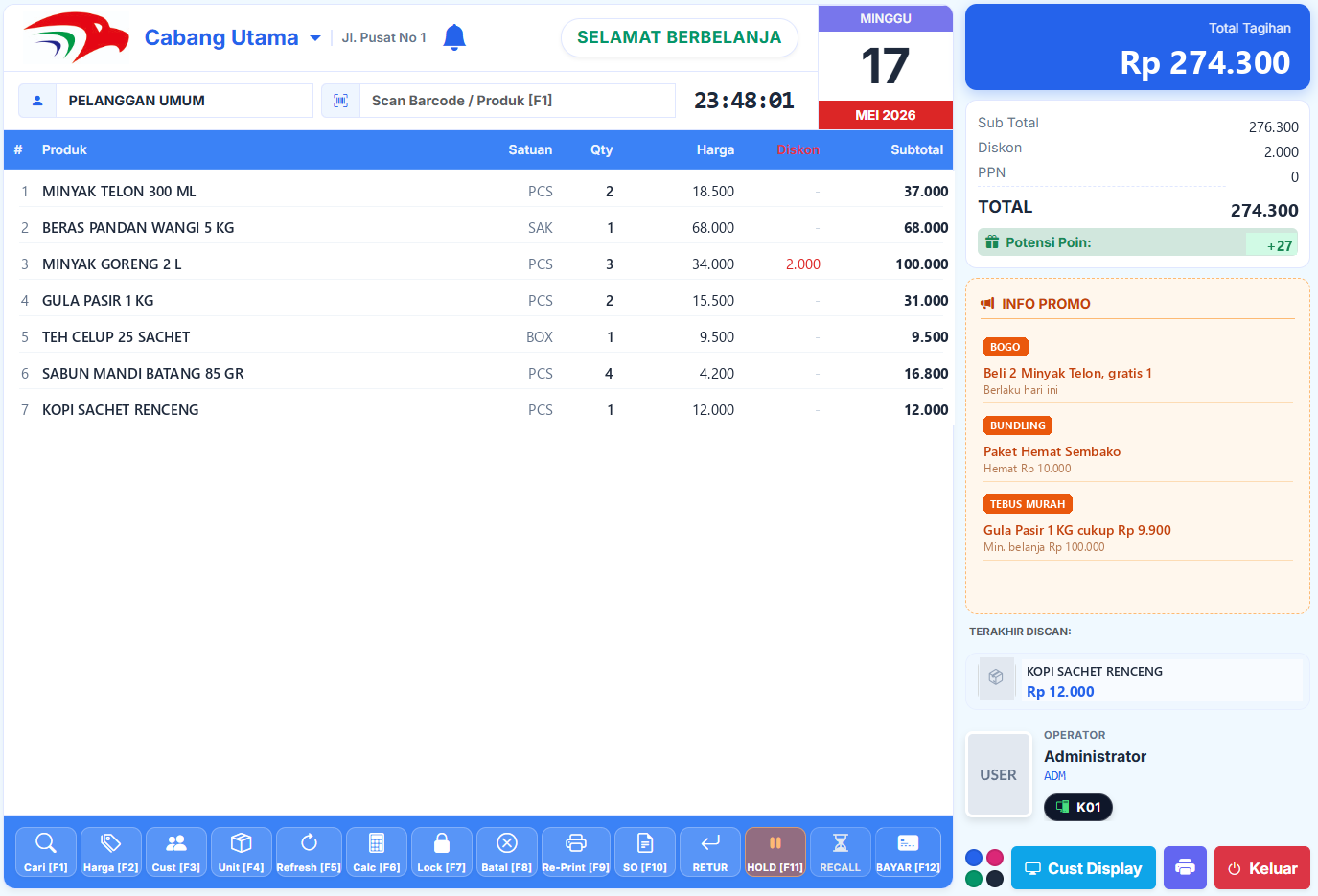
A fullscreen checkout as quick as a kiosk
Scan a barcode and the promo appears right away. Customers follow their purchase on a real-time customer display, and key commands are one F1–F12 shortcut away.
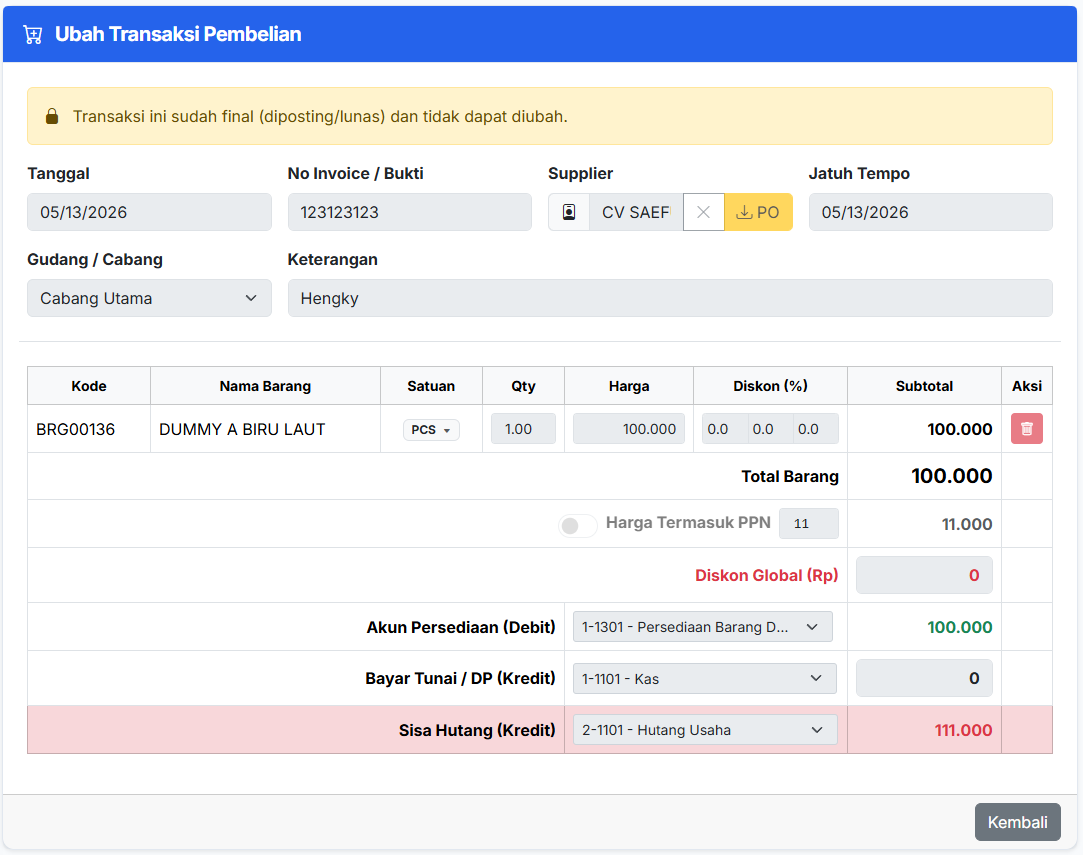
See what Elang ERP POS actually looks like
Real screenshots, taken directly from the app.
Works on PC, tablet, and smartphone
Elang ERP POS isn’t tied to one device. Use it on a PC or laptop (Windows, macOS, Linux) for day-to-day operations, then open it on a tablet or smartphone (Android, iOS) to keep an eye on things from anywhere. One set of data, as many screens as you need.
- Windows
- macOS
- Linux
- Android
- iOS
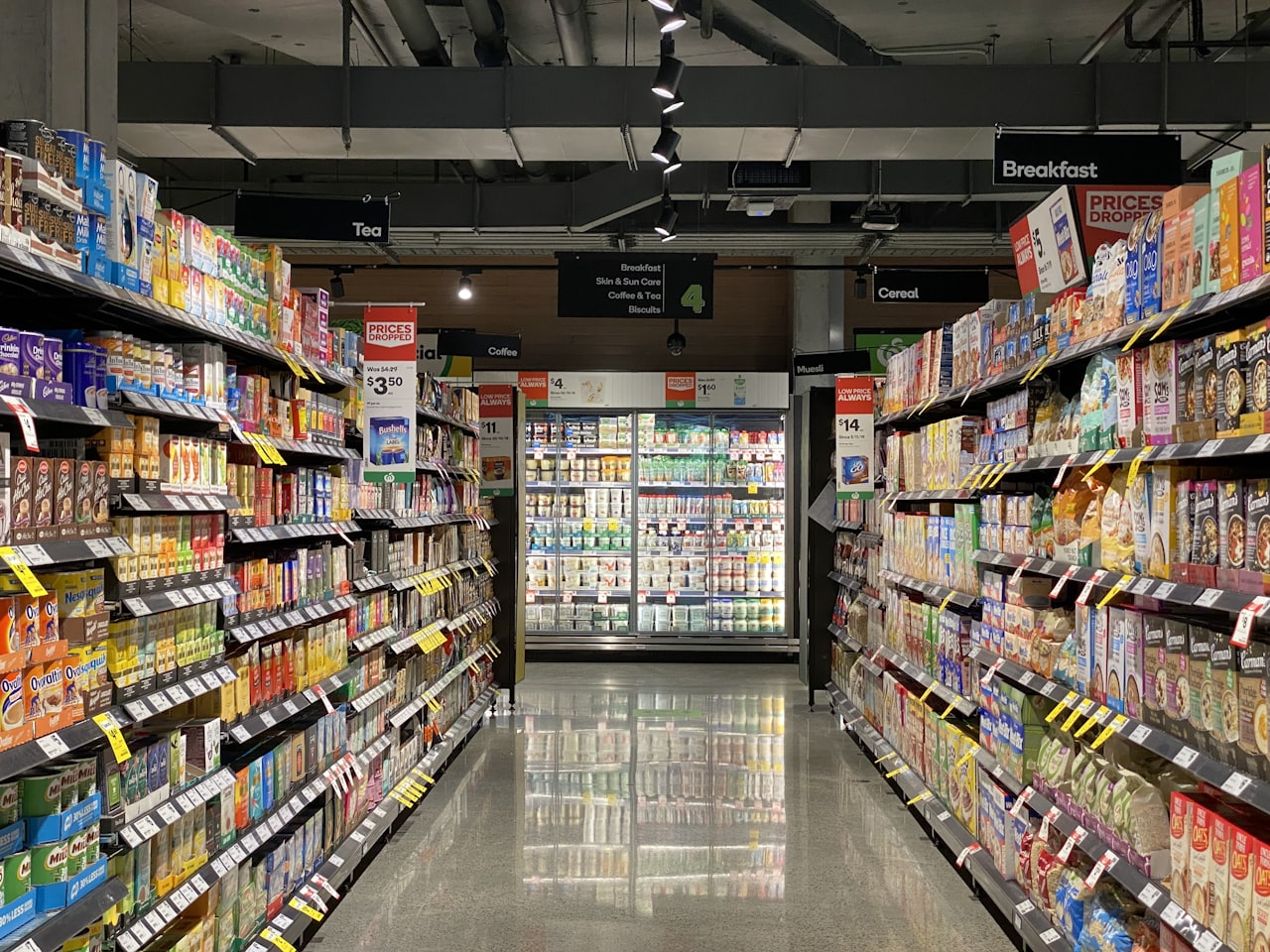
Keep stock in every branch under control from one screen
Stock in every branch and warehouse stays accurate through transfers (send → receive) and Moving Average valuation. You know exactly how much stock you have and what your margins are.
The best fit for businesses like these
- ✓Mid-sized retailers with 3–20 branches across several regions
- ✓Distributors that also run retail stores (with B2B supplier relationships)
- ✓VAT-registered (PKP) businesses that regularly face tax audits
- ✓Business groups with several entities (multi-tenant)
- ✓Tech-literate owners who want their data and system under their own control
Common questions
Where does the system run, and who owns the data?+
We set up and fully maintain Elang POS on your own server. The server, security, updates, and backups are our job. Your business data is 100% yours and can be exported anytime. There are no per-transaction or per-user fees.
What kind of business is it for?+
It fits best with mid-sized retailers running 3–20 branches, distributors, and VAT-registered (PKP) businesses that regularly face tax audits. It is less suited to very small shops or restaurants with complex kitchen operations, because it doesn’t have a kitchen display (KDS) or table management yet.
Does the cashier keep working when the internet goes down?+
Yes. Elang POS is offline-resilient: cashiers keep serving customers when the internet is down, and data syncs automatically once the connection is back. A typical cloud POS stops working along with the internet.
Which payments are supported?+
Cash, transfer, QRIS BRI, and store credit. A payment gateway aggregator (e-wallets and multi-bank QRIS) is already on the development roadmap.
Is the accounting complete?+
Yes. Every transaction goes straight into full double-entry books: COA, automatic journals, profit & loss, balance sheet, cash flow, and CoreTax export for tax reporting to the DJP (Indonesian tax office).
Can it be used for several companies (multi-tenant)?+
Yes. Elang POS supports multi-tenant use with a separate database for each tenant. It suits business groups, or POS consultants who manage many clients from one server.
Related articles
All articles →
The Best Retail POS App: 7 Standout Features of Elang ERP POS
More than a cashier. Elang ERP POS unifies a fast POS, multi-branch inventory, double-entry accounting, and remote control via Telegram — running on your own server, fully managed by us.

POS Software Integrated With Accounting & Tax (CoreTax)
Why a cashier system that connects directly to accounting and tax (CoreTax) saves time, reduces errors, and makes business reporting far easier.
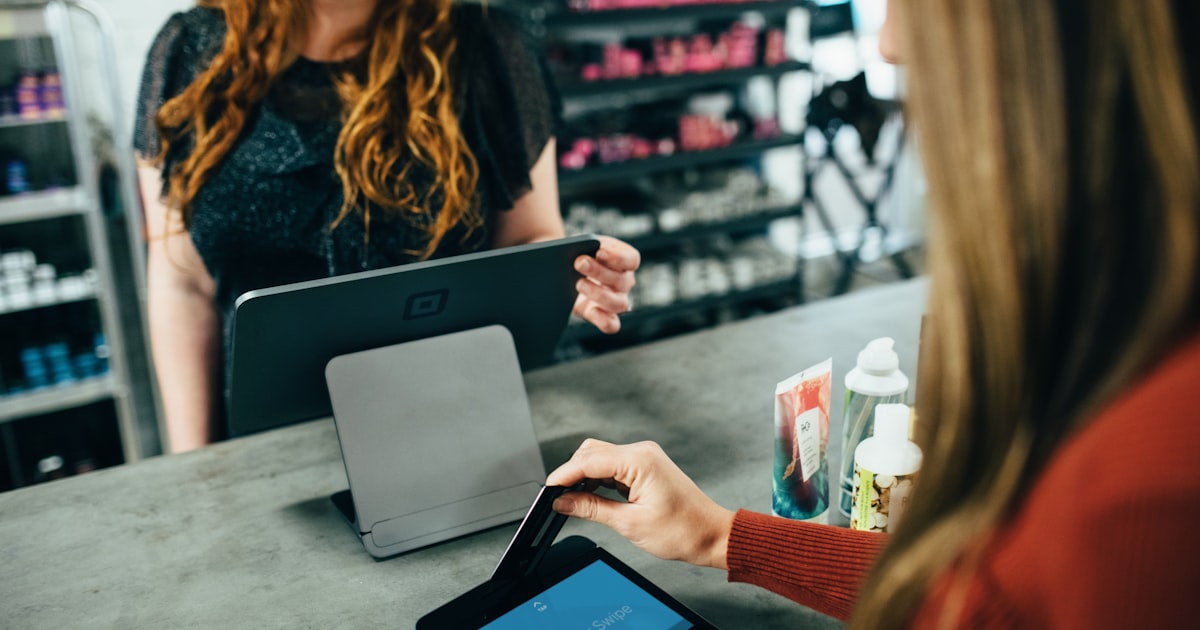
How to Switch From a Manual Cashier to a Modern POS System
Still using an old cash register or manual records? A step-by-step guide to moving to a modern POS system without losing data or closing your shop.
See how Elang ERP POS works
Book a free demo. We’ll walk you through the whole flow, from the checkout and multi-branch stock to financial reports that build themselves.